Greenlight

Teach your kids to spend wisely

A debit card for kids, and so much more!

Get a complimentary Greenlight debit card for your kids when you have a personal checking account with us. Open an account today to get started. Or, if you already have a checking account, register for Greenlight in our Mobile Banking app.


Greenlight


Learn to earn, spend and save together

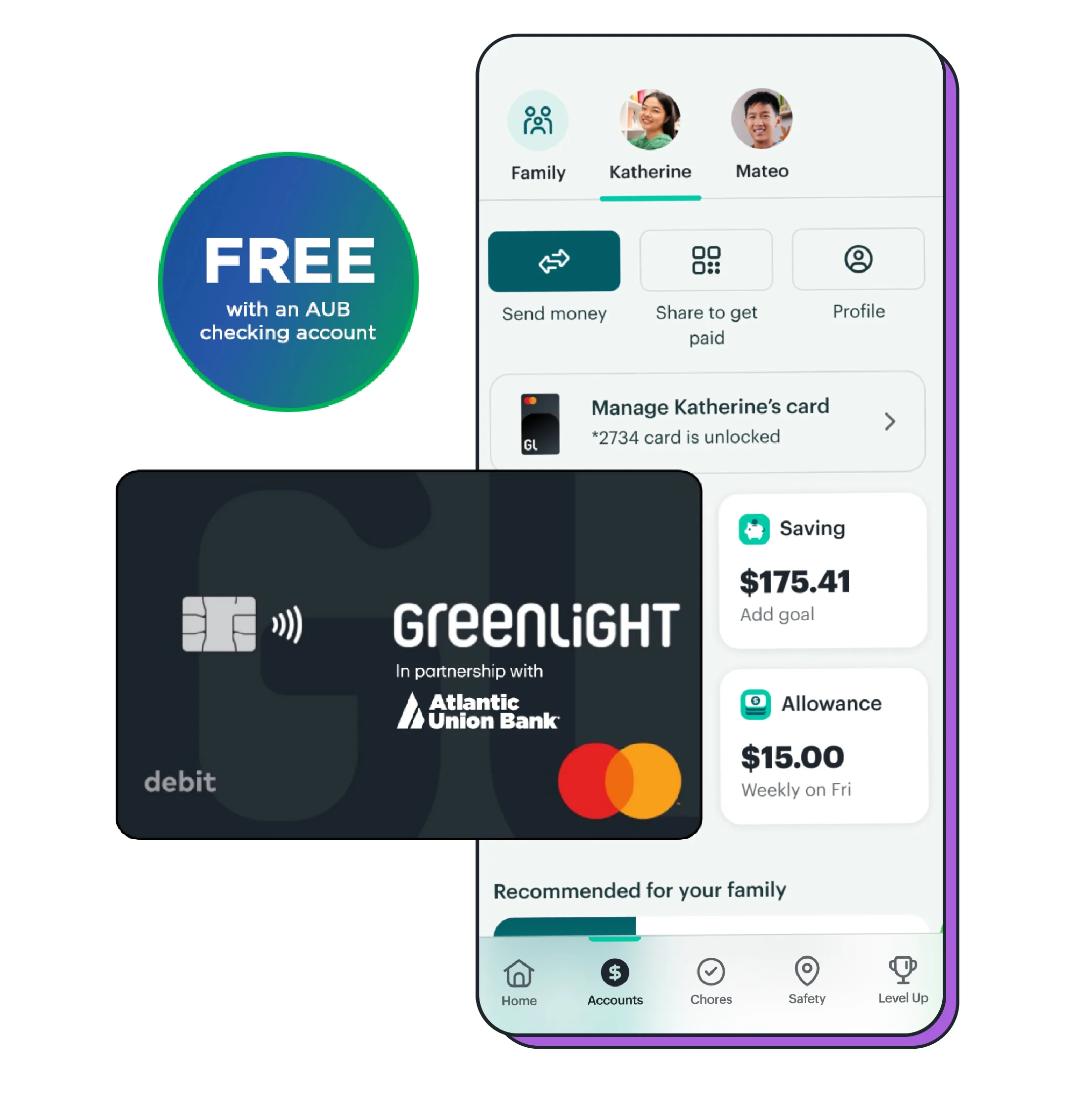
Greenlight is the free debit card and money app built with families in mind and designed for kids of all ages. Kids and teens get a debit card of their own to learn to spend wisely, keep an eye on balances and track their spending—all under their parent or guardian’s careful eye.

A debit card for your kids

Get free debit cards for up to five kids or create your own custom card through the Greenlight app for an additional fee. Plus, enjoy peace of mind knowing Greenlight debit cards are FDIC-insured up to the maximum limits.

Money management and controls

Send money quickly, set spending limits (even ATM withdrawal limits) and get real-time notifications when your kids make a purchase. If their debit card is lost or stolen, you can turn it off through the app and turn it back on once it’s found. You can also monitor transactions and balances and review with your kids to teach them the importance of staying on track with their spending.

Chores and allowances

Set chore lists and automate allowances so when tasks are complete your kids get a real payday.

greenlight debit card and app

greenlight fin lit


Level up your money skills

Unlock your kids’ financial confidence with financial literacy tools and games. These resources will help teach them how to spend wisely and grow their money skills.

Strive towards savings goals

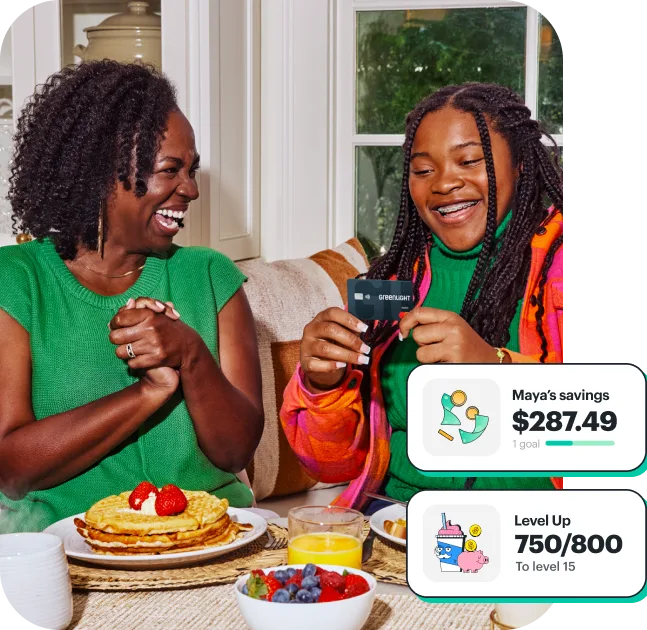
Saving is easier when kids have a fun goal in sight. Set specific targets in the Greenlight app and cheer them on as they crush those goals! 


Ready to get started?

If you don’t already have an Atlantic Union Bank personal checking account, you'll need to open one to take advantage of our complimentary Greenlight subscription. Then, you can register for Greenlight on our mobile app.

Give your kids the advantage of learning to manage money with confidence.


Frequently Asked Questions

The award-winning money app and debit card that empowers parents and guardians to raise financially smart kids. Kids and teens learn to earn, save and spend wisely – while parents and guardians can quickly send their kids money, get real-time notifications, set up chores and pay allowance, create savings goals and more.
New and existing AUB personal checking account holders are eligible to receive the Greenlight SELECT plan at no cost – a $69 / year value. Simply enroll through our Mobile Banking app and select your AUB personal checking account as the funding source to get started.
Up to five kids and teens of all ages are eligible. Our plan also allows up to two parents / guardians, but they must be at least 18 years of age to enroll in Greenlight.
First, you’ll need an eligible AUB personal checking account. Once you’re approved, you can enroll in Greenlight from our Mobile Banking app.
Yes! From the AUB Mobile app, select the Greenlight tile. On the next screen there will be a link that says ‘Already a Greenlight Customer.’ Once selected, update your primary funding source for your Greenlight account to your qualifying AUB personal checking account.

The funds underlying your Greenlight Card Account are FDIC-insured up to the applicable limits. Your child’s Greenlight debit card also comes with fraud protection through Mastercard’s Zero Liability Protection Policy.

Parents can block unsafe spending categories and Greenlight sends real-time transaction notifications, lets parents turn cards off at any time and gives parents flexible ATM and spending controls.

Your child’s Greenlight card should arrive within 7-10 business days with free standard shipping. You can conveniently track the card’s shipping status right from your app.

From the AUB Mobile app:

  1. Select the child’s Greenlight account on your account dashboard.
  2. Choose 'Send Money' on the account information screen.
  3. Select or enter the amount you wish to transfer to their card.
  4. Choose the AUB account you want to transfer the money from.
  5. Hit 'Send'.
Because the Greenlight card is a debit card, not a credit card, your kids can’t spend more money than they have. If they try, the transaction will be declined.
Yes, your child can add their Greenlight debit card to their Apple Pay or Google Pay for tap-to-pay and online purchases. Subject to Apple Pay and Google Pay age requirements.
No, Greenlight doesn’t support money movement with Zelle®. Instead, you can quickly fund your child’s Greenlight debit card via a transfer from your linked AUB personal checking account in the AUB Mobile app.

Disclosures

*Atlantic Union Bank (AUB) customers are eligible for the Greenlight SELECT plan at no cost when an eligible AUB personal checking account is added as the preferred funding source for the entirety of the promotion. Subject to minimum balance requirements and identity verification. Upgrades will result in additional fees. Upon termination of promotion, accountholders will be responsible for associated monthly fees. See Greenlight.com/terms for additional information. Offer ends 5/19/2029. Offer subject to change and partner participation. Greenlight is a financial technology company, not a bank. The Greenlight prepaid card is issued by Community Federal Savings Bank, Member FDIC, pursuant to license by Mastercard International.

Card and app images shown are illustrative and may vary from the actual experience.


Additional resources

How else can we help?

Customer Care

Talk with a Banker

Come Say Hello

Cookie Notice: We use cookies and similar automated technologies through which we and certain third parties (such as our advertising and analytics partners) may collect, record, use and share information about your use of our site to enhance user experience, analyze performance and usage, and assist in our marketing efforts. You can reject nonessential automated technologies by selecting ‘Decline All’. For more information, visit our Online Privacy Notice.